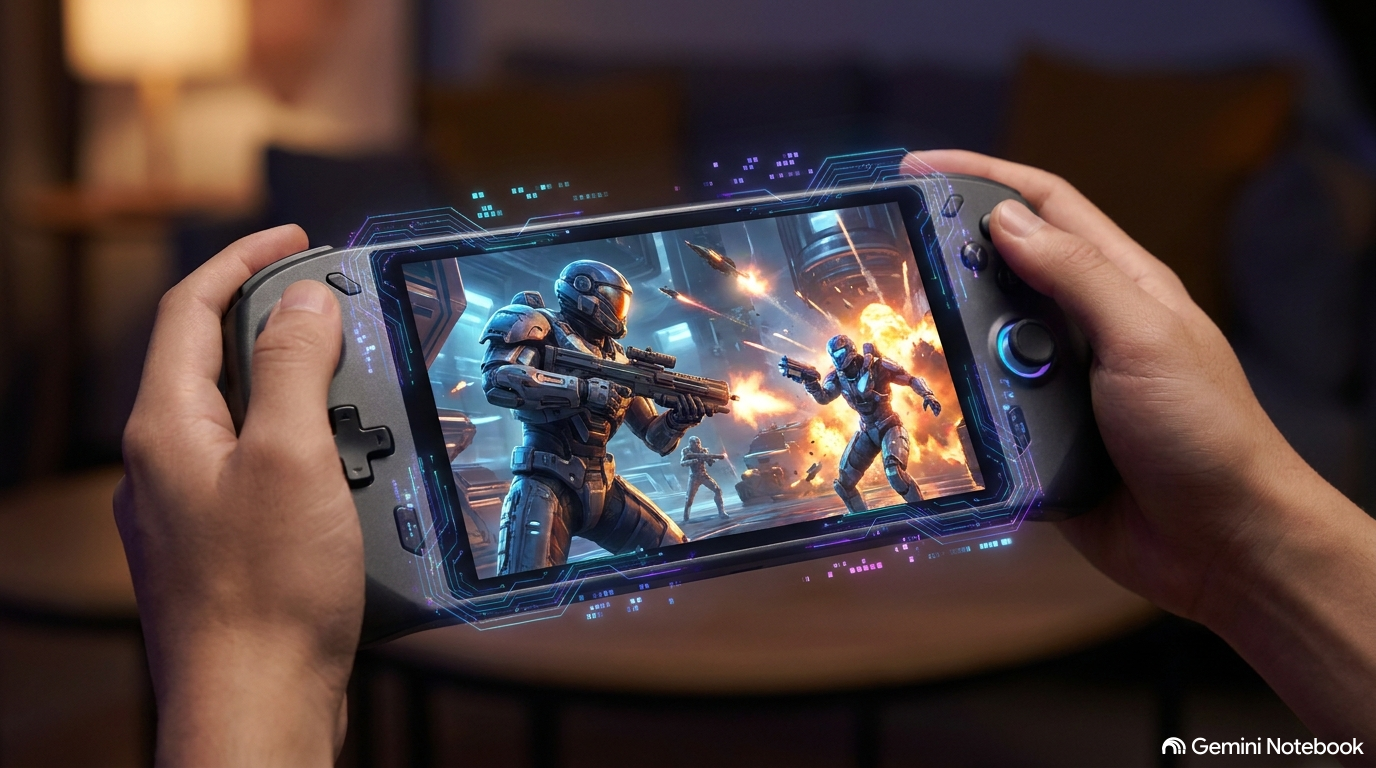
When Microsoft first pushed Automatic Super Resolution into preview, it introduced a condition so counterintuitive it almost felt like an inside joke: to upscale games on a portable gaming handheld, you had to plug it into a dock.
The rationale coming out of Redmond was simple enough on paper. Super-resolution algorithms show their sharpest gains when blown up across an external monitor or television. In practice, however, tethering a handheld to a desk defeated the entire purpose of buying a portable machine built to play high-end PC games on a commute or from the comfort of a couch.
That frustrating limitation is officially history. Microsoft has graduated Auto SR out of its Insider preview and rolled it directly onto high-end portable hardware, spearheaded by the Asus ROG Xbox Ally X and the premium ROG Xbox Ally X20, alongside supported AMD Ryzen-powered Copilot+ PCs. More importantly, Microsoft listened to player feedback and re-engineered the software to do what it should have done from day one: run untethered on the internal display, running on battery power, without forcing players through arbitrary configuration hurdles.
Untethered at Last: Handheld Upscaling Meets Reality
Super-resolution technology is hardly new to PC gamers. Between Nvidia’s DLSS, AMD’s FSR, and Intel’s XeSS, algorithmic upscaling has become the foundation of modern game performance. Microsoft’s Auto SR takes a distinct architectural route by using an on-device Neural Processing Unit (NPU) to upscale games with machine learning, sharpening image fidelity without placing extra rendering burdens on the core graphics silicon.
In the initial Insider builds, however, the execution stumbled over basic user experience hurdles. Beyond the mandatory dock requirement, players ran into a subtle configuration trap. Handhelds like the Ally ship with native 1080p displays, and virtually all PC games detect that panel and default to 1080p rendering automatically. The early preview builds of Auto SR refused to engage unless users manually dropped their in-game resolution down to lower baselines before launching. Thousands of owners never even realized the feature was inactive because there was no obvious visual indicator that the upscaler was idling.
With this formal release, Microsoft has streamlined that pipeline. Handheld games running at 1080p now trigger Auto SR out of the box on the built-in screen, both while plugged into a charger and while operating purely on battery. When users do choose to dock to an external screen, the system can automatically scale the image up to 1440p.
Microsoft product manager Stefan Bojanic was candid about the trade-offs involved, noting that when titles run at native 1080p on the internal display, performance might not be as optimal as other specialized configurations. Nonetheless, the visual clarity benefits remain substantial, particularly for older PC titles whose lower-fidelity assets gain noticeable refinement from the upscaler.
Performance Mode and Auto HDR: Retiring the Trade-offs
The update addresses another frustrating restriction from the preview era: the mutual exclusivity between Auto SR and Auto HDR.
Windows Auto HDR uses machine learning to dynamically inject high dynamic range color and luminance grading into legacy games originally mastered in standard dynamic range. Until now, toggling Auto HDR automatically disabled Auto SR, forcing players to choose between vivid color contrast and sharper rendering. In the newly updated stack, Microsoft has resolved the underlying graphics pipeline conflicts, allowing Auto SR and Auto HDR to function simultaneously.
Alongside this visual pairing comes the headline technical addition: a dedicated Performance Mode.
| Feature Dimension | Insider Preview State | General Availability & Update Pipeline | Target Gaming Scenarios |
|---|---|---|---|
| Display Support | External display via dock only | Internal handheld display & docked setups (up to 1440p) | On-the-go portable gaming, couch play, and desk docking |
| Power State | Restricted to AC power via dock | Operates on internal battery or AC power | Commutes, travel, and mobile handheld sessions |
| Resolution Trigger | Required manual in-game resolution reduction | Works out of the box at 1080p | Native handheld display profiles and older library titles |
| Framerate Target | Hovered between 60 FPS and 75 FPS | Unlocked up to 120 FPS via Performance Mode | Fast-twitch shooters, racing games, and high-refresh panels |
| Color Pipeline | Mutually exclusive with Auto HDR | Simultaneous Auto SR and Auto HDR operation | Retro PC ports and older SDR titles needing color depth |
During the preview phase, Auto SR capped framerates around the 60 to 75 FPS threshold. While adequate for methodical role-playing games or turn-based strategy, that performance window left high-refresh panels underutilized. Performance Mode lifts that ceiling up to 120 FPS. Fast-paced titles—particularly competitive first-person shooters and motorsport racing games—stand to benefit most from the combination of reduced input latency and smoother motion cadence.
There is a minor logistical caveat for players eager to jump in immediately: the rollout is split. The foundational handheld support, 1080p integration, and Copilot+ PC compatibility are available today, while the high-framerate Performance Mode and Auto HDR interoperability are bound to forthcoming Windows OS updates that will reach devices in staged waves.
The Silicon Question: An NPU That Finally Earns Its Keep
Perhaps the most significant consequence of the Auto SR rollout is what it means for handheld hardware design and consumer upgrade incentives.
For the past several hardware cycles, the PC industry has aggressively marketed Neural Processing Units inside consumer laptops and handhelds, often without offering a compelling everyday use case for gamers. On devices like the Asus ROG Xbox Ally X and the top-tier Ally X20, the NPU had previously been relegated to novelty background duties, such as automatically clipping gaming highlight reels.
By tying Auto SR directly to NPU hardware, Microsoft is giving these specialized processors an essential gaming workload. Because native Nvidia DLSS is unavailable on ROG Ally architecture—barring unofficial, unsupported software workarounds—having a system-level upscaler operating independently gives AMD-powered handhelds a much-needed performance lever. It also complements AMD’s own recent rollout of FSR 4.1 for Z2 Extreme silicon, expanding the software toolkit available to portable PC gamers.
Crucially, this architecture draws a hard line through the existing handheld ecosystem:
- Excluded Hardware: The baseline, entry-level ROG Xbox Ally lacks an onboard NPU entirely and cannot run Auto SR.
- Eligible Flagships: The ROG Xbox Ally X and the ROG Xbox Ally X20 feature the necessary NPU silicon and receive full Auto SR support.
- The Upgrade Calculus: Early benchmarks reported across hardware outlets showed that the jump from original Z1 Extreme handhelds to the Ally X provided roughly a 10% to 15% raw performance gain in demanding games. That modest uplift left many original Ally owners content with their existing devices, which remain capable of playing most games.
With Auto SR operating as an exclusive hardware-accelerated feature, Microsoft and its hardware partners have finally given existing handheld owners a tangible reason to consider moving to newer-generation silicon. Taking upscaling off the graphics cores and onto an idle NPU may not change the physical realities of handheld battery life overnight, but it transforms what was once an underutilized chip component into a genuinely useful gaming feature.