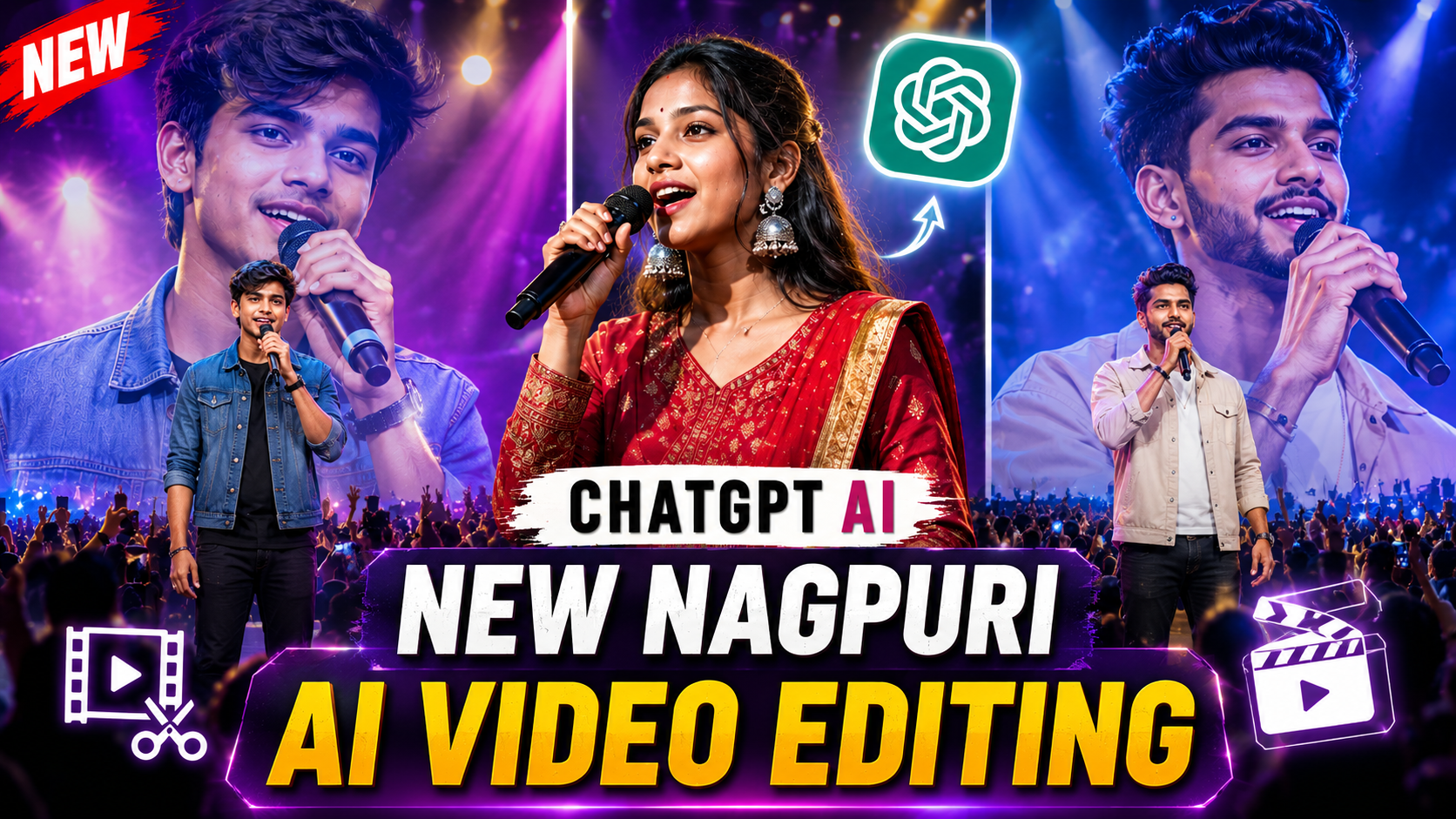
If you’ve spent more than five minutes scrolling Instagram Reels or YouTube Shorts recently, you’ve seen it: a familiar creator standing center-stage at a massive, glowing stadium concert, holding a microphone, and reciting a hard-hitting Nagpuri Shayari to a roaring crowd.
Millions of views. Thousands of shares. Zero actual concert tickets required.
Whether you are trying to recreate the signature look of a viral ai video by rsp editing tutorial or build your own regional creator brand, this trend has officially taken over the algorithm. By combining the rich cultural pride of regional Jharkhandi/Sadri storytelling with modern generative AI, ordinary selfie photos are being turned into stadium-level rockstar moments.
Want to jump on the trend before the algorithm moves on? Here is the exact two-step “Selfie-to-Stage” pipeline.
The Concept: How Does It Actually Work?
You don’t need advanced video editing skills. The workflow behind a high-quality ai video by rsp editing relies on a simple Photo-to-Video trick:
- Step 1 (The Look): You feed a standard selfie into an AI Image Generator to put your exact face onto a concert stage.
- Step 2 (The Voice): You upload that new photo into an AI Video Generator alongside a text script, forcing the AI to animate your lips reciting the poetry.
Phase 1: Generate Your Concert Stage Portrait
For this step, Google Gemini or ChatGPT (DALL-E 3) work best because they excel at facial preservation.
- Open the Google Gemini app.
- Tap the + (Media) button and upload a clear, front-facing selfie (avoid heavy Instagram filters).
- Copy and paste one of the prompts below:
Option A: The Classic “Rockstar” Prompt (Best for Boys)
Option B: The “Main Character” Prompt (Best for Girls)
The Checkpoint: Look at the generated image. If the face looks 80%+ like you, download it. If it looks like a generic video game character, hit “Regenerate”—AI usually nails facial geometry on the second or third attempt.
Phase 2: Animate the Lip-Sync Video
Now we bring the still photo to life. You will need an Image-to-Video AI tool. The most popular free/freemium engines used to create a trending ai video by rsp editing style are Google Flow AI, Kling AI, or Luma Dream Machine.
- Open your chosen video generator and select “Image to Video”.
- Set your aspect ratio to 9:16 (Vertical).
- Upload the concert photo you just saved from Phase 1.
- In the text prompt box, you have to describe the head motion plus the exact dialogue.
Pick the vibe that matches your personality:
Hit Generate.
3 Creator Secrets to Guarantee Virality
Once your AI generator spits out the 5-to-8-second clip, do not just upload it raw. Take it into CapCut or VN Editor and do these three things:
- Layer the “Real” Audio: AI lip-sync audio can sound slightly tinny. Go to Instagram, search for the exact Shayari you used, download a reel of a real human saying it, and replace the AI’s generated voice track with the crisp human voiceover.
- Add “Auto-Captions”: Use bold, yellow-and-white dynamic TikTok-style subtitles right across the chest of your avatar. Viewers watch 70% of Reels on mute; if they can’t read the Nagpuri setup in the first 1.5 seconds, they will swipe away.
- Drop a Heavy Slow-Reverb Beat: Put a low-volume, slowed + reverbed Indian Lo-Fi track (like Kahani Suno or a Nagpuri folk trap beat) sitting at roughly -18db beneath the speaking voice.
Disclaimer: AI tools update their generation filters weekly. If a platform flags the word “Shayari” or “Dialogue” as a script violation, simply change the phrase “Saying Hindi dialogue:” to “The person’s mouth clearly articulates the words: [insert poem]”.